 worldband Unlock
$4.99+ tax, once
Up to 3 Macs. No subscription.
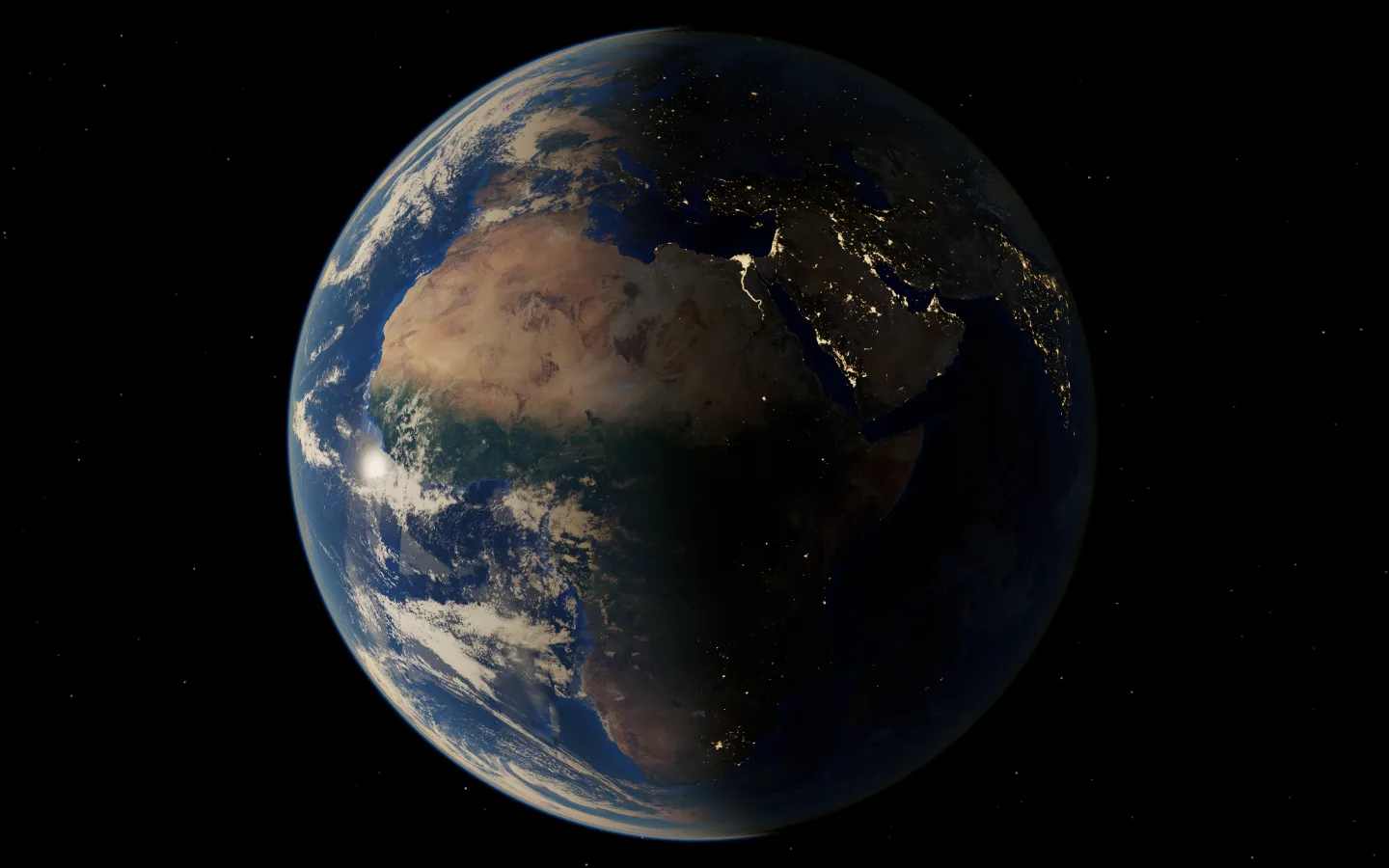
- The Earth as your wallpaper
- Follow the Sun
- Today's Earth
Full refund within 14 days. Sold by Polar, our reseller, which handles payment and tax.
Over 45,000 stations on every continent, on a globe you can spin. Free for Mac.
No account, no ads, no tracking.
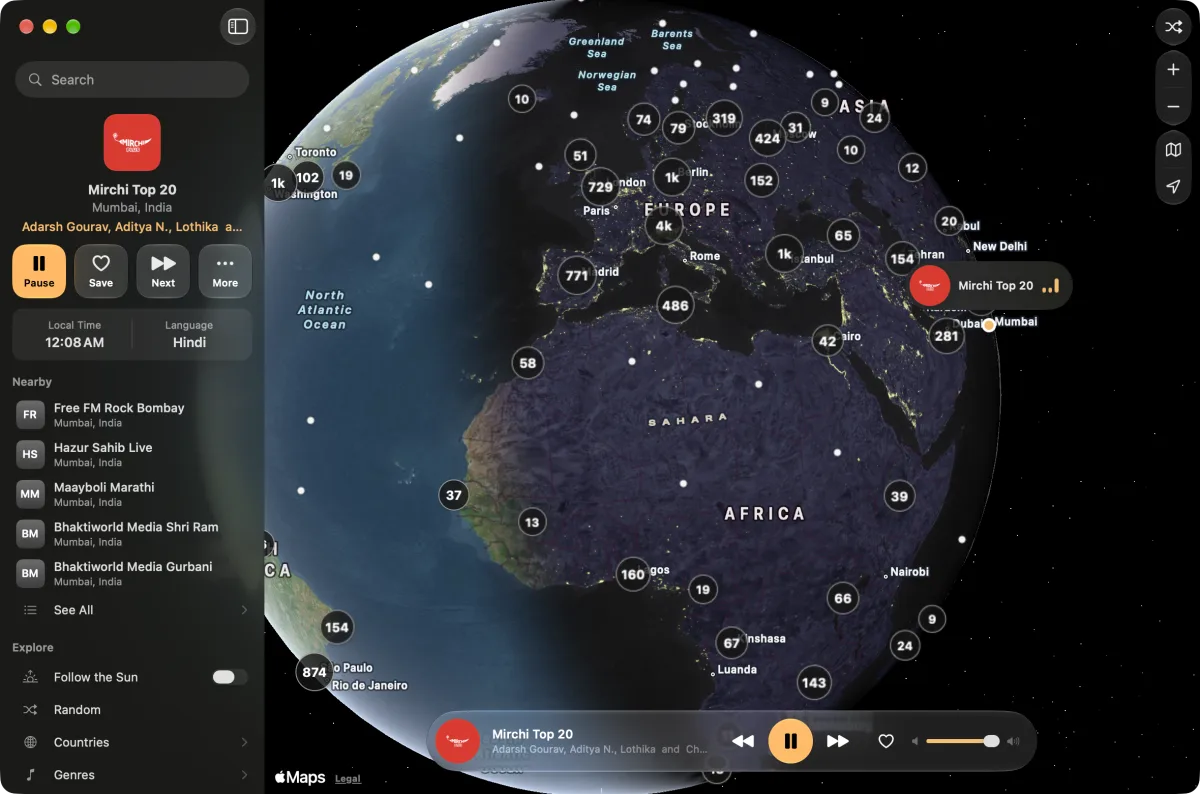
Over 23,000 of them are pinned where they broadcast. Zoom in and the clusters open into stations, many with their own logos. Click one and it plays.
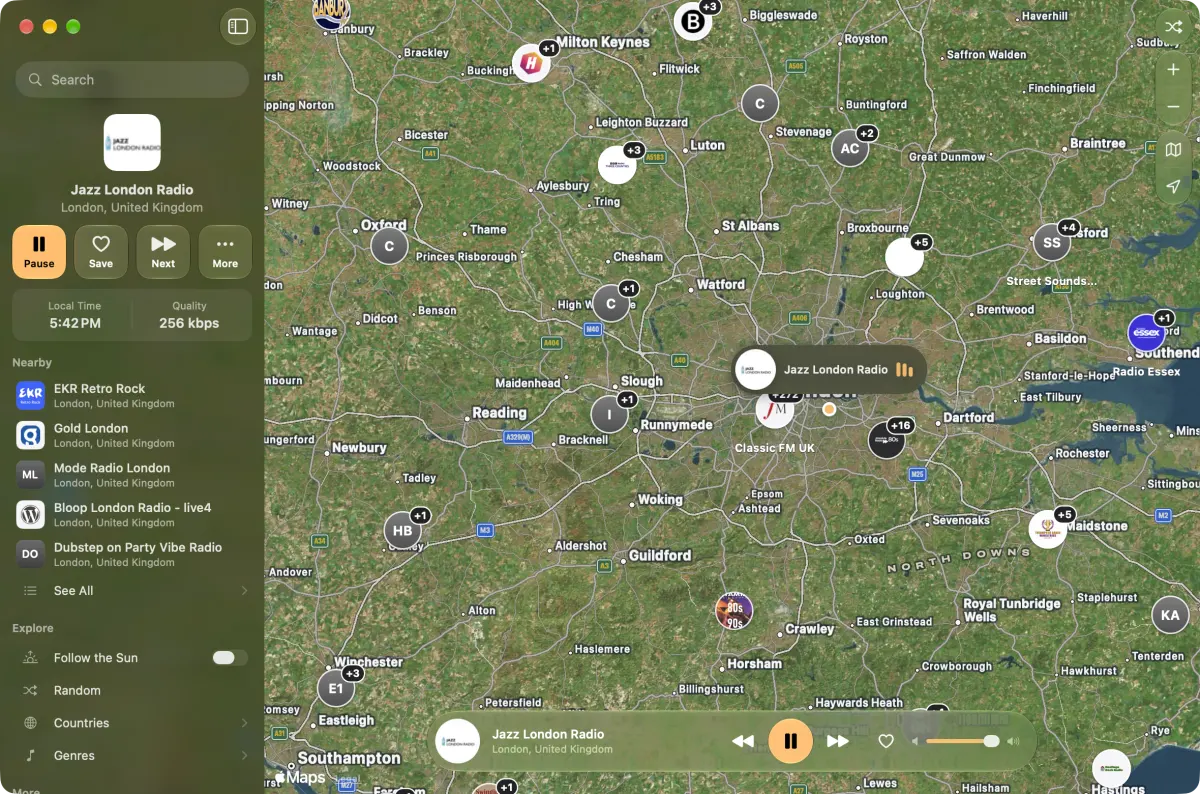
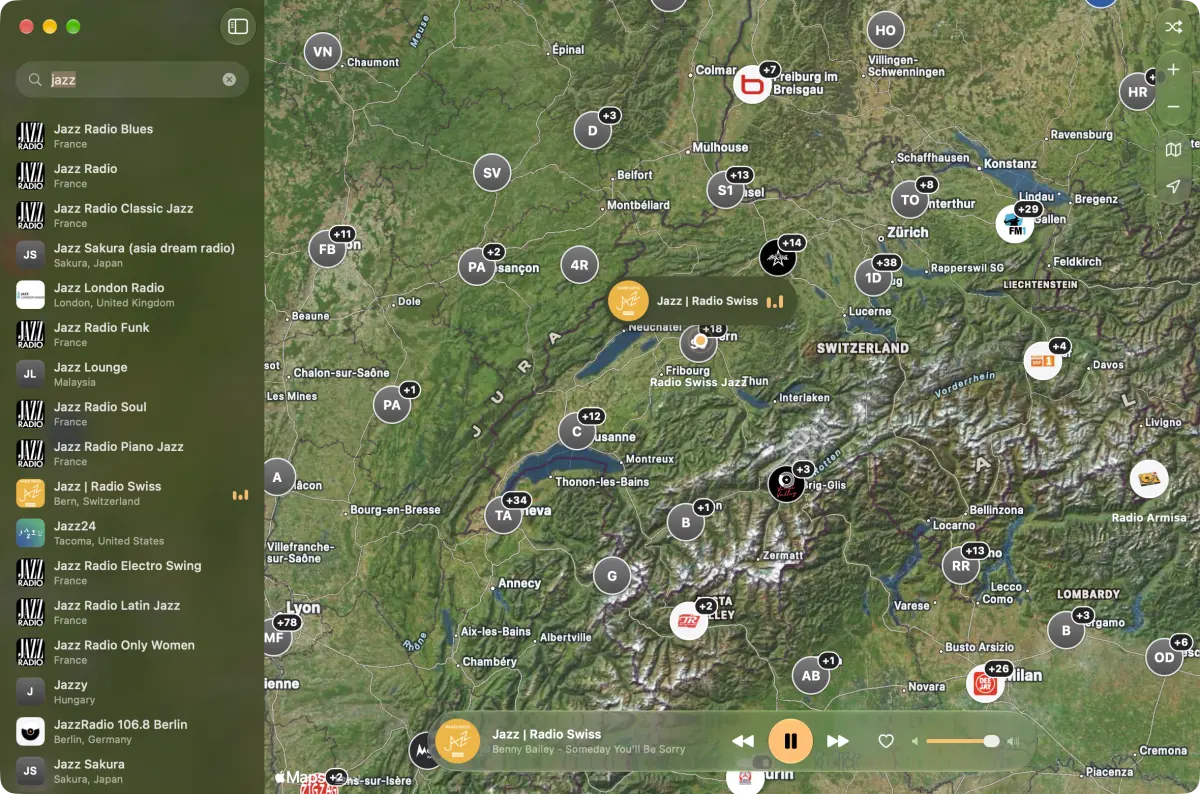
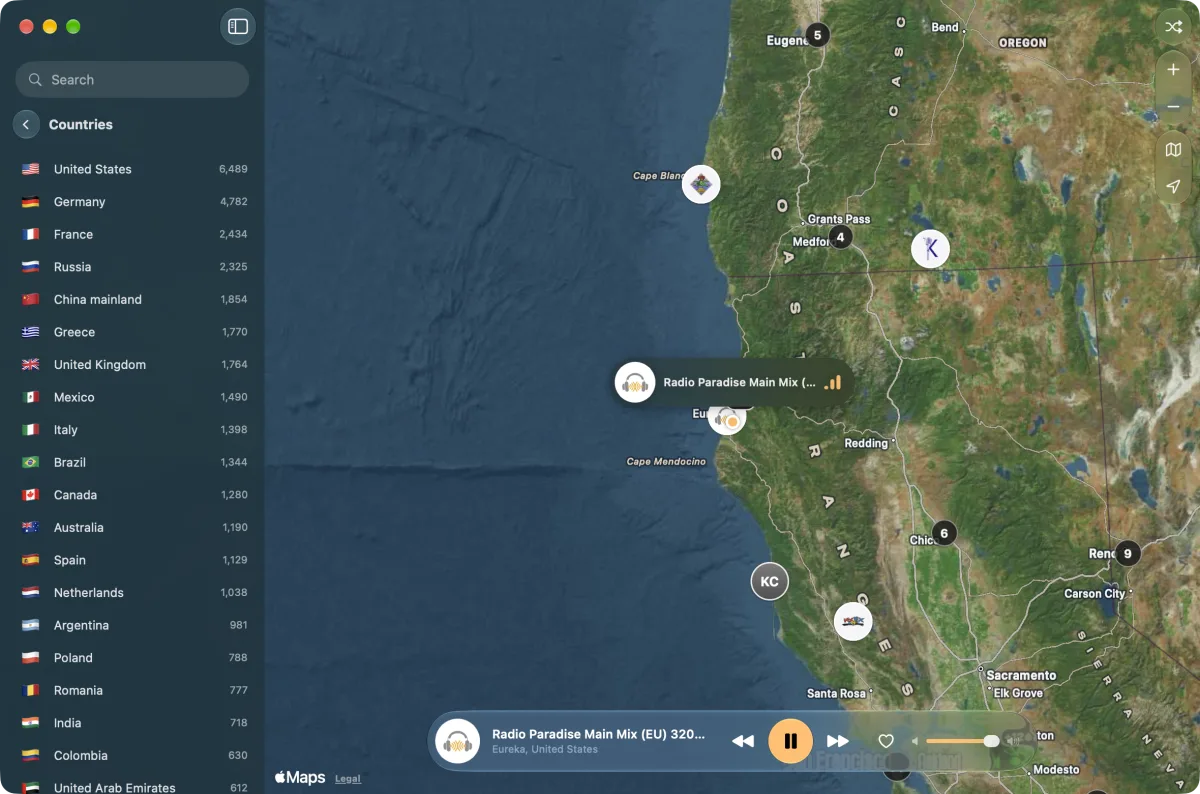
Every station shows the ones around it, with the local time and language. Near Me finds yours.
Save the stations you love and come back to them in one click.
Close the window and the radio keeps playing, one click away at the top of your screen.
⌘ → and ⌘ ← change stations, as in Music. ⌘ R picks one at random, and ⌘ Z takes you back.
If a station doesn't come on, worldband goes back to the one you were listening to.
Browse by genre when you don't know where to start, or let Random choose somewhere for you.
Unlock for $4.99
Three things the free radio doesn't do, for one payment.


Once, for up to 3 Macs.
worldband Unlock$4.99+ tax, once
Up to 3 Macs. No subscription.
Full refund within 14 days. Sold by Polar, our reseller, which handles payment and tax.
Free
No account, no ads.
macOS 26 Tahoe or later Apple silicon iPhone and iPad coming soon
Yes. Every station, search, saving favorites and the menu bar player are free, with no account and no ads. A one-time $4.99 unlocks the Earth wallpaper, Follow the Sun and Today's Earth.
If your Mac has Apple silicon and macOS 26 Tahoe or later, yes. It won't run on Intel Macs. To check, choose About This Mac from the Apple menu.
From Radio Browser, a directory kept up by people who love radio. worldband looks for a newer list every week, and every station streams straight from its own broadcaster.
Stations go off air, move, or change their streams. When one doesn't come on, worldband goes back to the station you were listening to and tells you the other one is off air.
It tunes to a station where the sun is just coming up, and moves along with the sunrise, so it's always morning on the radio. Choosing a station yourself turns it off.
It puts the Earth on your desktop. Live keeps it moving behind your icons. Still sets a fresh picture every few minutes, which costs your Mac almost nothing and stays after you quit. Turn the wallpaper off and your own picture comes back.
Real clouds on the Earth on your desktop, from NASA's latest daily satellite images. It downloads about 3 MB a day.
No. You pay once, and every update is free.
Yes, on up to three at once with one key. Moving to a new Mac? Choose Deactivate This Mac in worldband's Settings on the old one, or use your customer portal, then paste your key on the new one.
It's on the page you see right after paying, and always in your customer portal. Sign in there with the email you paid with.
Email worldband@edbn.me within 14 days and you'll get a full refund, whether it won't run on your Mac or just isn't what you expected.
No. There is no account, no analytics and no tracking. Like any website, a station sees your IP address while you listen to it. The privacy policy has the details.
It's on its way to the App Store.
Email worldband@edbn.me and you'll hear back from the person who made worldband. The Support page covers lost keys, new Macs and more.